

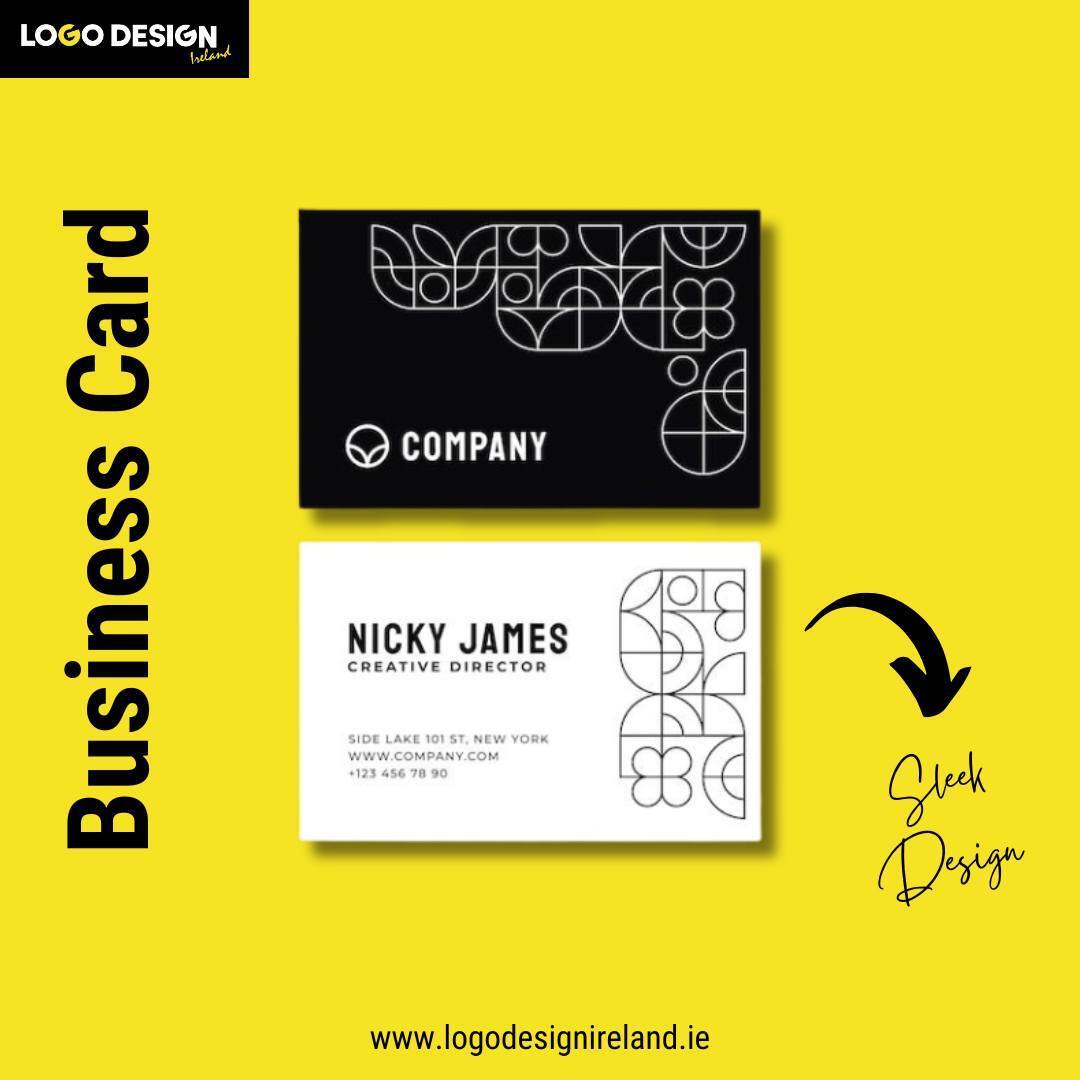
Let’s say you meet someone at a networking event who asks you to share your contact information. This may become a business opportunity for you if he is a potential client. What would you do? Reaching into your pocket for a business card.
This should not be just a piece of paper but something that grabs their attention. If you do this right, you can win over another client. However, to make this impact, you need a well-designed business card.
This blog will serve as a guide for a beginner who has no idea how a business card works. We have put together a list of ideas and tips that will help you with the design process. Let’s take a look at them.
Design Tips and Ideas You Need as a Beginner
You don’t need to be a skilled graphic designer to create business cards. All you need is a good idea and a way to execute it.
As a beginner, you can use tools such as Trello, Canva, or Adobe Express to create a balanced and professional design. Here are some effective tips to help you create business cards using the tools mentioned above.
1. Keep it Simple & Clean
When starting, the easiest business card idea design you can come up with is called simplicity. A card that is cluttered and filled with stuff confuses the reader and looks quite unappealing.
Stick to the basics and write your:
- Name
- Title
- Company Name
- Phone number
- Email address
Use a clean font. Don’t overload your card with graphics or unnecessary pictures. Choose a simple, light coloured background with dark text to make it prominent. Maintain clarity and a professional look.
2. Try Stylish and Readable Fonts
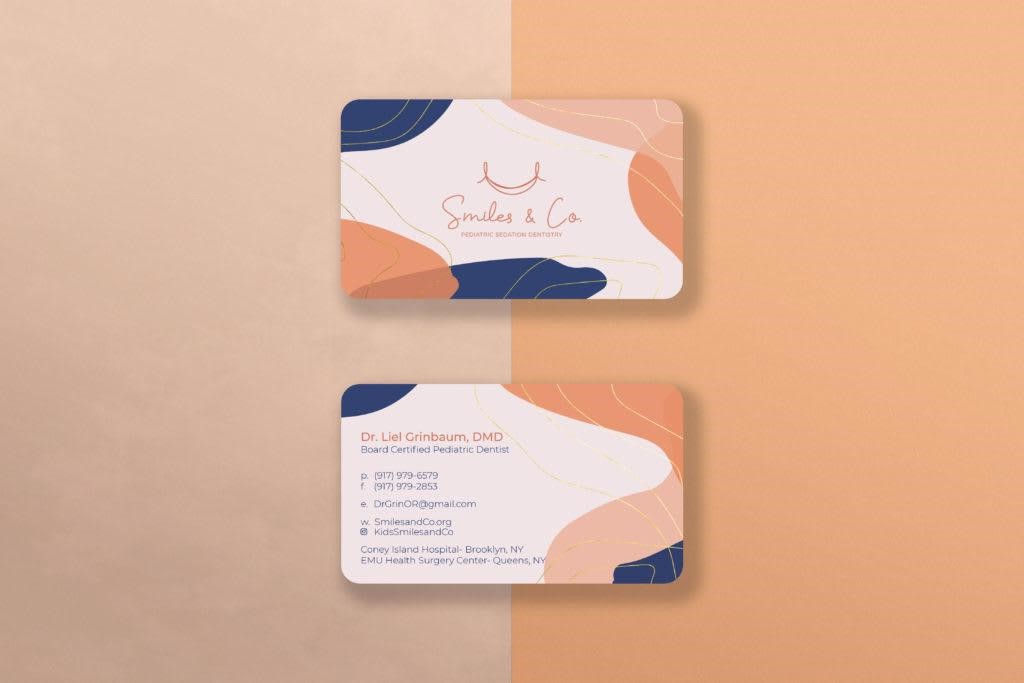
Fonts are the powerhouse of business cards. They affect how your brand is perceived. Using fonts that maintain readability and are stylish provides your business cards with a unique look.
- Stick to Simple Fonts: To maintain professionalism and readability, use fonts such as Arial, Helvetica, or Open Sans.
- Create a Hierarchy with Size: Make your name and the business name larger to grab attention. Keep contact details slightly smaller but readable.
- Use Bolds & Italics: Apply bold or italic text to emphasise important information.
The quickest and easiest way to make a card visually appealing is by using fonts effectively. Fonts are powerful design tools. With the right typography, you can create simple yet striking company logo designs for your business cards as well.
3. Add a Pop of Colour
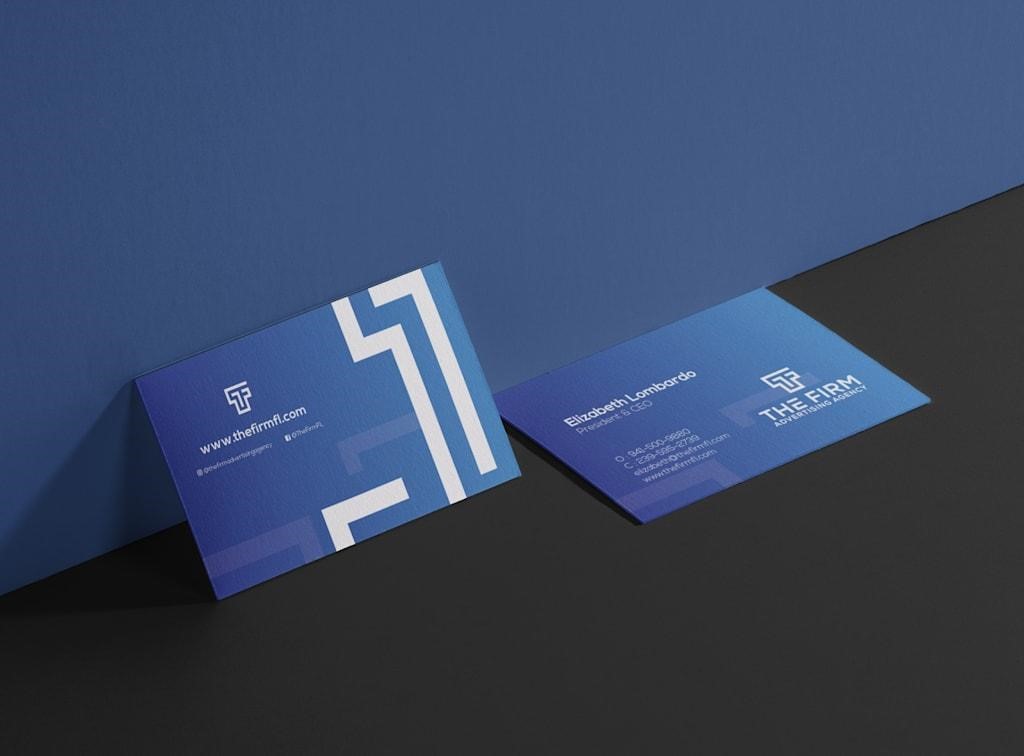
Adding a bit of colour provides a contrast to make your business card stand out. Just remember not to go overboard at any point.
Each colour portrays different meanings and emotions. As a beginner, use a single accent colour that resonates with your brand image. For instance:
- Blue represents trust and professionalism
- Red arouses passion and energy
- Green symbolises growth and freshness
You may include colour in the text, the background, or even a border. In case you already have a colour scheme for your brand, use the same.
Online tools, such as the colour palette generator offered by Canva, will help identify some shades that complement each other.
Pro Tip: High contrast is key. Dark text on a light background makes it easier to read information and vice versa.
4. Add Logo or Personal Brand Icon
As a beginner, the easiest way you can make your business card memorable is by adding a logo or an icon. Make sure that you create this logo by keeping the business and its value in mind.
You can easily create these logos with free tools such as Canva, LogoMakr, and Hatchful. The logo should be prominent and be strategically placed so it gets recognised, but does not overwhelm the reader.
5. Choose The Right Paper & Finish
Design is not all about its visuals; it also depends on the texture of the business card. Beginners should stick to:
- Standard size of 85mm x 55mm
- Use a matte finish
- Add some modern elements
- Use glossy papers to add shine and vibrancy
- For a luxury touch, go for a soft touch or velvety finish
These are all the ways you can make your design appear more presentable and attractive.
6. Try a Double-Sided Design
Utilise space and maximise the area by forming the two sides of the card. Put the contact details on one side and your logo or tagline, or a business description, on the other. You may even add a call to action, such as “Book a free consultation” or “Follow me on Instagram.”
It is an excellent method of organising material as a beginner, and avoiding clutter on the other hand. Make sure that both of them match in terms of style and colour.
Want to be fancy and personal? Put the back to good use, punch it up with a quirky quotation, a hand-drawn doodle, or a pattern.
7. Touch of Minimalism
Creating something attractive and alluring does not need something fancy, but requires a bit of elegance and modesty. This can be easily achieved through a minimalistic design that seems direct, clean, and sleek. These are well-suited for businesses that require functional design. The easiest way to design them is with a:
- Simple colour palette
- Minimalistic logo
- Basic layout and composition
- Sufficient white space
Pro Tip: An expert’s opinion is always worthwhile. You can take advice from industry experts who offer the online service of business card design in Ireland.
8. Add a QR Code
QR codes are modern-day versions of traditional cards that make it simple to connect the real and online worlds. You can attach them to your site, LinkedIn account, portfolio, or Tripadvisor calendar. It uses less space and makes your card more interactive.
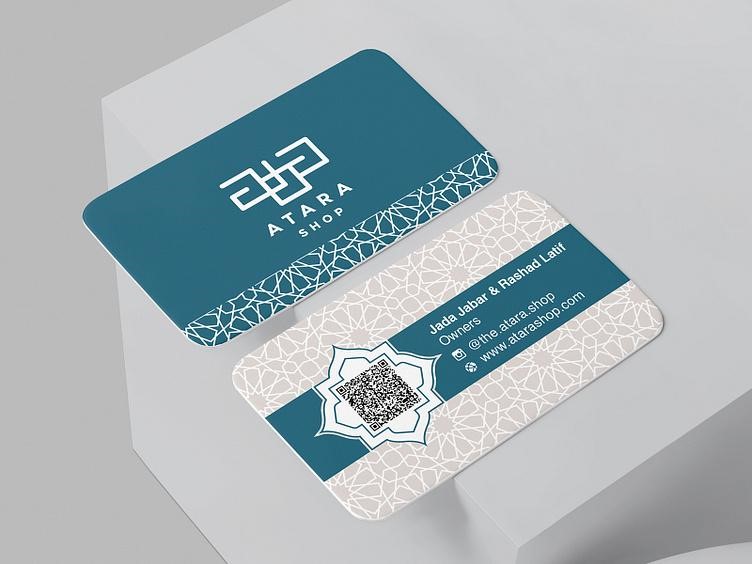
Make sure that your QR code is neither too large nor too small. It should be placed on the back side of your card or in a corner so it does not get in the way of other information. You can create one in a few seconds using free online QR Code Generator services. Always test it before printing to ensure it scans correctly.
Frequently Asked Questions
- Why are business cards important in this digital age?
Business cards provide a personal touch and leave a tangible reminder of your interaction with people.
- Should social media handles be included in a business card?
Yes, if they are professional and relevant to the industry you work in.
- Is it worth investing in premium printing services?
As quality printing makes your card feel more professional and memorable.
Conclusion
Designing a business card doesn’t have to be daunting. By focusing on simple rules and implementing basic techniques, you can create a professional business card. Focus on the card’s layout, readable fonts, subtle colour, and thoughtful branding. Remember, you don’t need to invent something; instead, aim for simplicity over complexity.
Take small steps, use online tools, and experiment with various things. This will help you design a business card that is strong, memorable, and leaves a lasting first impression.


